



1. One piece of information per slide
The art of creating presentations is the art of shortening and simplifying. The message, the text, the dataset, the charts, everything should help your audience receive the key points in a condensed way instead of overwhelming them with too much information.
Unfortunately, we often want to include “everything” (because everything seems important, right?), and we cram each slide full. This is a bad approach to presentation design. Each slide should carry one specific message – the most important idea that should stay in the viewer’s memory.
What about the extra details that don’t fit on the slide? You can say them during your live talk or add them to the handout materials your audience will receive afterward.
2. Animated graphics, animations, and transitions? Only if necessary
Animated graphics, animations, and transitions? Only if necessary
You might feel tempted to add an animation or transition to a seemingly empty slide (the one with one key message). If it doesn’t genuinely improve the presentation, don’t do it. We already receive countless stimuli every day – we don’t need additional “jumping images.” As viewers, we expect clarity and substance. Another meme or short clip that doesn’t support your point will only distract the audience from what matters most.
The simpler, the better. Minimalism is the king. Right-click and move on to the next slide.
3. Free icons and graphic elements? Better to avoid them
Why? Because everyone has seen them before. Ready-made, popular elements, backgrounds, icons, and illustrations appear in dozens of different presentations. Avoid the most generic templates. Whenever possible, create your own custom slides, templates, and charts that reflect your company’s key visual and brand book in both style and colors.
4. Show instead of write
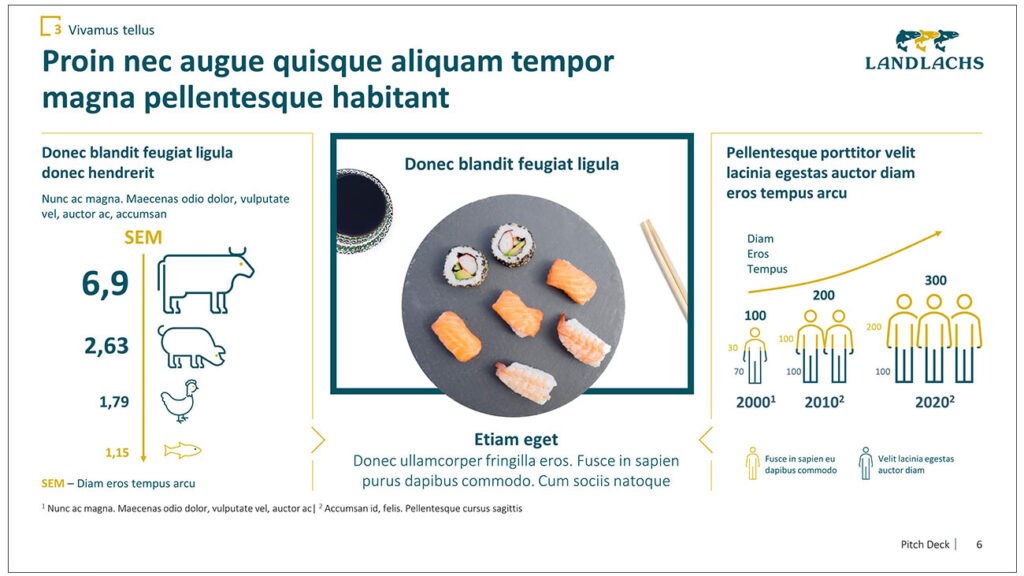
When creating a presentation, aim for clarity. If you can show something visually (for example, in the form of infographics or visualizations), choose that instead of a block of text. The format of data presentation matters. We memorize images and charts much more easily than text. Use the tools in Microsoft PowerPoint to build a presentation that’s easy to understand and remember.
5. Use only legal materials from reliable sources
A modern PowerPoint presentation is one that is compliant with the law and respects the intellectual property of other creators. Make sure that every quote, graphic, or video you use comes from a legal source and that you have the rights necessary to include it.
Using random materials found in the depths of Google may expose you to unexpected financial and legal trouble. Creating a presentation entirely from legal, trustworthy materials? That’s the only right choice.
6. A modern presentation = a model of consistency and coherence
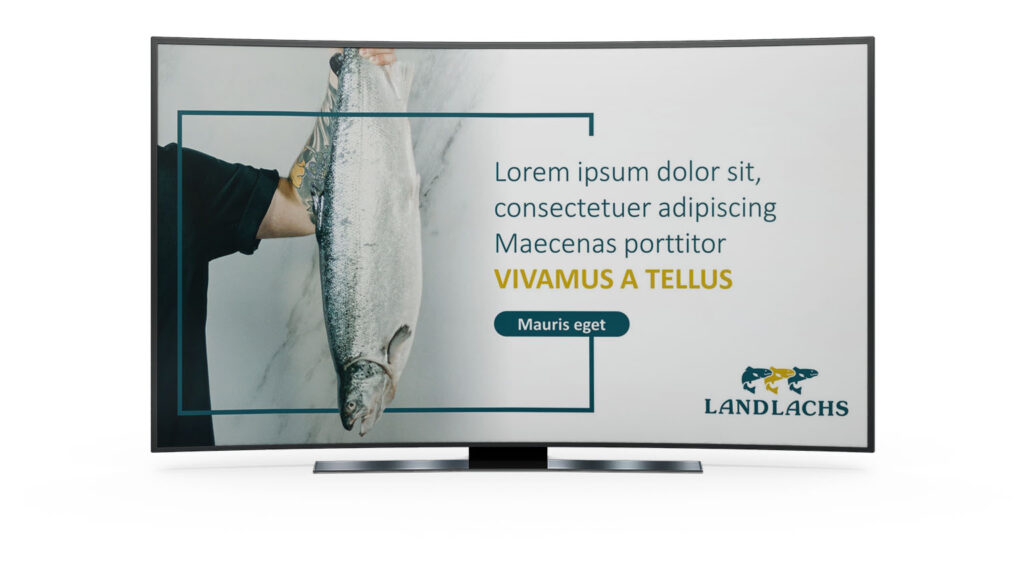
A unified template and background color, one style of graphics and fonts, a consistent slide layout – these alone are enough to keep your presentation coherent. This is crucial for keeping your audience attentive and preventing them from being discouraged by chaotic slides.
A helpful solution may be to order a presentation template for your entire organization – one that you’ll later use to create more slides without wondering whether the layout, fonts, or colors match. Everything will already be designed; all you’ll do is fill the slides with content. Simple?
7. Test the presentation before publishing
Of course, everything can be edited. But not so easily during a live presentation. That’s why, before the deadline, click through the entire presentation on your computer, tablet, or smartphone and check whether everything works as it should.
A modern presentation in Microsoft PowerPoint – the perfect project
A good presentation should creatively complement the speaker’s delivery and serve as an effective sales support material. It has several specific functions to fulfill, and these 7 simple principles are just guidance and a condensed knowledge base. For over a dozen years at re-present.me, we have been polishing our skills and creating increasingly better projects.
If you want to benefit from our experience, write to us. We will prepare modern templates and ready-made product and sales presentations, pitch decks, or educational materials for employees.
 Previous